
How to Redeem FIXATION Codes
Find the box, type the string once, and keep the round moving.
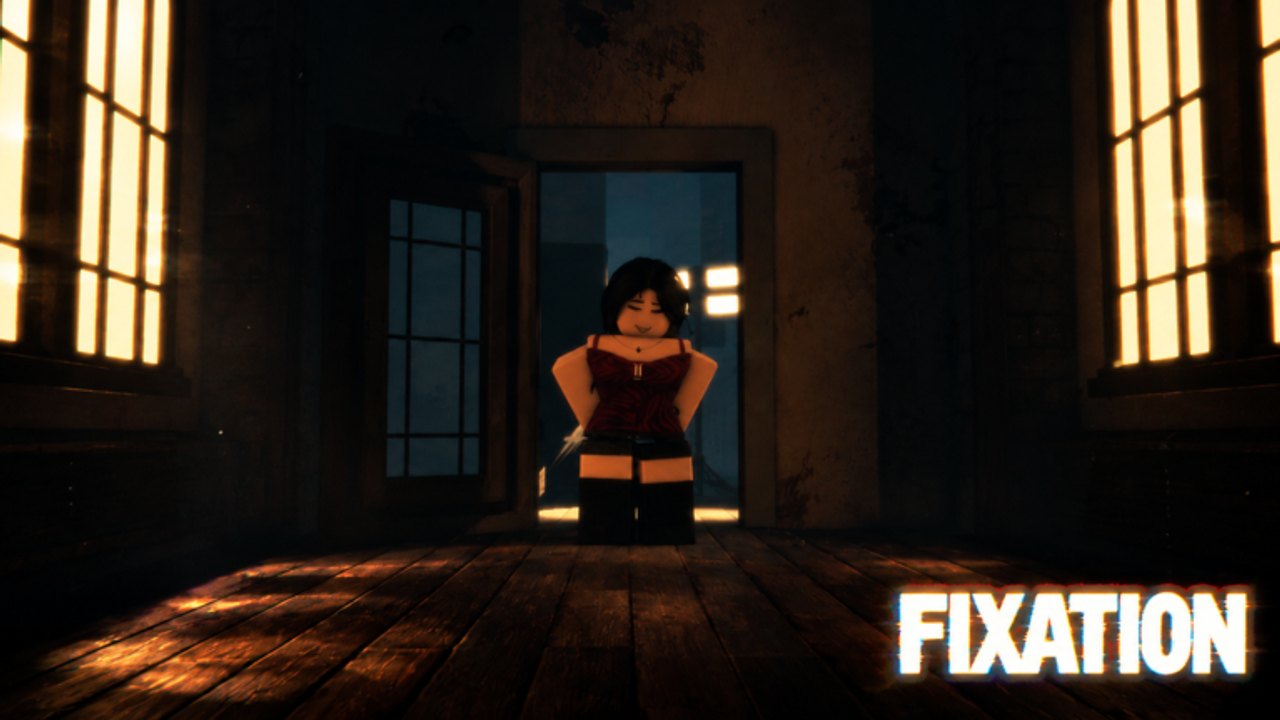
Redeeming a code in FIXATION should take seconds. The round does not wait. If you are still hunting a UI button while the hunter is already in the hallway, you have already lost the value of the drop. This page is the practical path for PC, mobile, and console so you can claim a string and get back to the beginner guide loop.
FIXATION is a new Roblox Survival 1 vs All title, so the exact button label can still move after a patch. What does not change is the pattern used by Sushi Deluxe Studios and almost every modern Roblox lobby: a Twitter bird, a gift icon, a hash button, or a Codes tab on the pause menu.
Before you type anything
- Launch FIXATION and wait until your avatar is actually in the lobby. Redeeming during the load screen is the most common false error.
- Copy the string from this wiki or from the official links page. Do not retype from memory.
- Check the codes hub first. If the live table is empty, there is nothing to redeem today.
PC and laptop
On desktop the Codes control usually sits on the left or right edge of the lobby HUD. Click it, paste into the field, and confirm. If you see no button, open the menu with Esc or M and look for a Codes, Shop, or Twitter row. Shift lock and first-person view can hide a side widget; toggle camera with right-click or the in-game camera button, then look again.
Do not open the Roblox website redeem page. That page is for catalog/promotional Roblox codes, not experience-specific strings. FIXATION codes only work inside the experience.
Mobile
On a phone the same control is often a small icon overlapping the joystick. Rotate to landscape if the lobby UI is stacked. Tap the gift or hash icon, paste, then tap Redeem. If the on-screen keyboard covers the confirm button, dismiss it and tap again. Mobile players lose more codes to overlay ads and accidental lobby leaves than to typos.
Console
Controller players should highlight the Codes widget with the left stick, press the confirm button, then paste if the platform supports clipboard. If it does not, type slowly. Analog stick typos are why we print codes in a monospaced list on the hub when they exist. After a success message, press B or Circle to close the panel before the round countdown ends.
Errors that are not bugs
- Invalid / expired — the drop already ended. Move it mentally to group rewards history.
- Already redeemed — one-time per account. Alts will not help if the studio binds to the Roblox user id.
- Cannot find the box — you are still on the Roblox home screen, not inside FIXATION.
- Empty live list — there are no confirmed codes yet. Do not invent strings from other Sushi Deluxe games such as Not Guilty or Jujutsu Kaisen Incremental.
After it works
A good redeem should show a toast and grant the reward immediately. Then go play. Codes do not teach you the doorway in the walkthrough or the hunter path in how to play as the Fixation. If you queued with friends, tell them the string in voice after you close the UI so you are not all standing still.
Keep this page next to the updates hub. When a patch lands, the Codes button sometimes moves. We will note that in patch notes instead of making you guess.
For account safety, never redeem a “code” that is actually a download. That belongs on the scripts safety page, and it is how people lose accounts during a new-game rush.
Frequently Asked Questions
Quick answers to the most common questions.
Where is the FIXATION codes button?
Look on the lobby HUD or pause menu for a gift, hash, or Twitter icon. It only appears after you are inside the experience.
Can I redeem on the Roblox website?
No. Experience codes are in-game only. Use the steps above, then return to the codes hub.
Why does a code say invalid?
It expired, it was mistyped, or it was never a FIXATION code. Confirm the live list before you retry.
Do console players get the same codes?
Yes. The string is account-wide. Input is just slower on a controller.